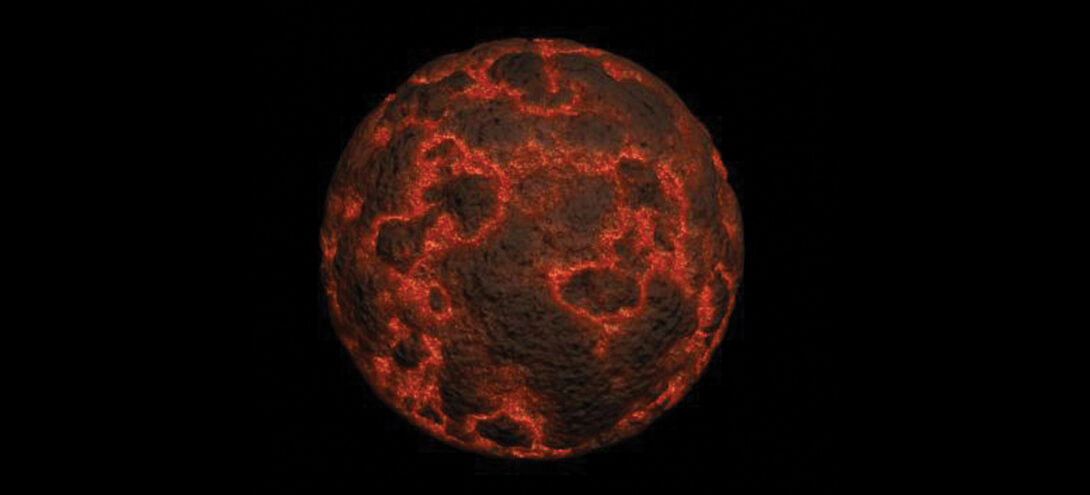
I have to say Papervision3D really is great.
I’ve had my eye on it for a while but just never seemed to find the time to start playing around with it.
I actually come from a 3D background (which you can see if you go way back in my blog) but slowly found myself creeping into the Flash world and haven’t had a chance to look back. The opportunity to combine these two interests is hard to resist, but up until Papervision wasn’t very viable.
With the advent of Papervision3D 2 and Andy Zupko‘s effects addition, 3D in Flash is not only viable but seems to really be taking off.
When I heard there was going to be a Papervision class in NYC, I couldn’t pass it up. Since the class, I’ve been digging in and messing around and once Andy added his effects classes to SVN I jumped and started working on the lava rock at the top of the page.
Its basically a sphere primitive with a video texture applied to it.
I created a procedural texture in 3ds Max and applied it to a sphere primitive until I was happy with this:
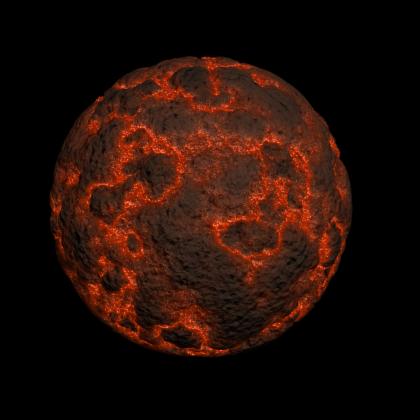
Once I had the look I was happy with, I animated the texture. From there, I rendered out the texture as a flat series of images. I then created a Photoshop action that took the flat texture and created a seamless spherical texture. I then took the series of spherical images and created an flv. Once there, I applied that texture to the primitive sphere in Papervision.
To top it all off, I used some of Andy’s effect classes and created steam that seems to come from the actual cracks in the lava rock.
It took a little while to get it all setup and learn the ins and outs of Papervision, but now I’m hooked and can’t wait to keep messing around with it.

very cool, thanks for sharing. What version of 3ds max did you use?
I’m using the latest version, 2008, right now, but something like the above could be done as far back as version 4 or 5 from what I remember.
Damn that’s HOT! 😉
hats off!
Cool 🙂 stuff!
Congratulation!
kick ass lava!
Set the stage quality to medium and it will run even better 🙂
nice plz help for different tutorias
dang it!
it is so freakin hot!